Browse dynamic wallpaper previews for iPhone lock screens. Each item may have different formats, device notes, and usage conditions; this is not a verified compatibility catalog.

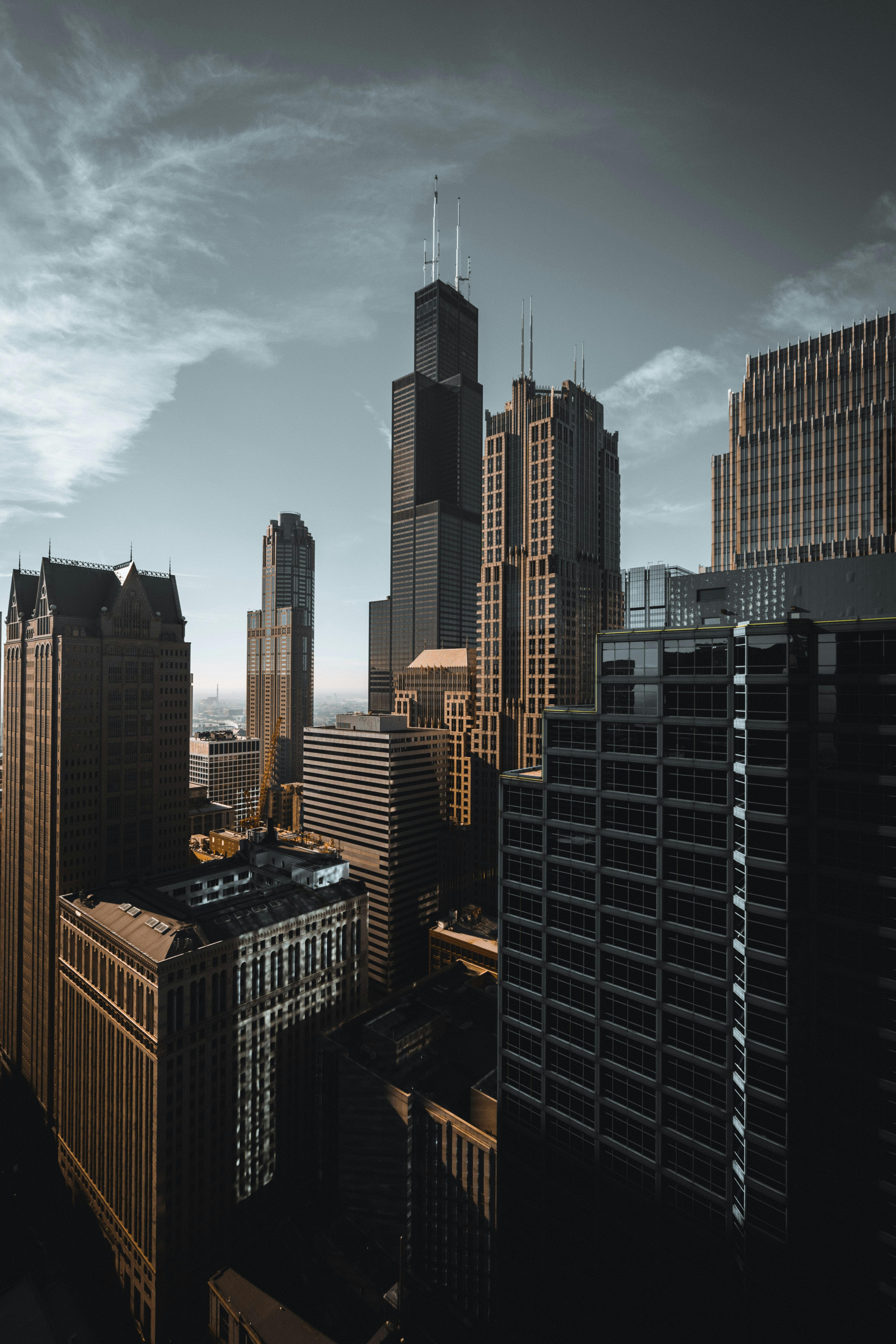



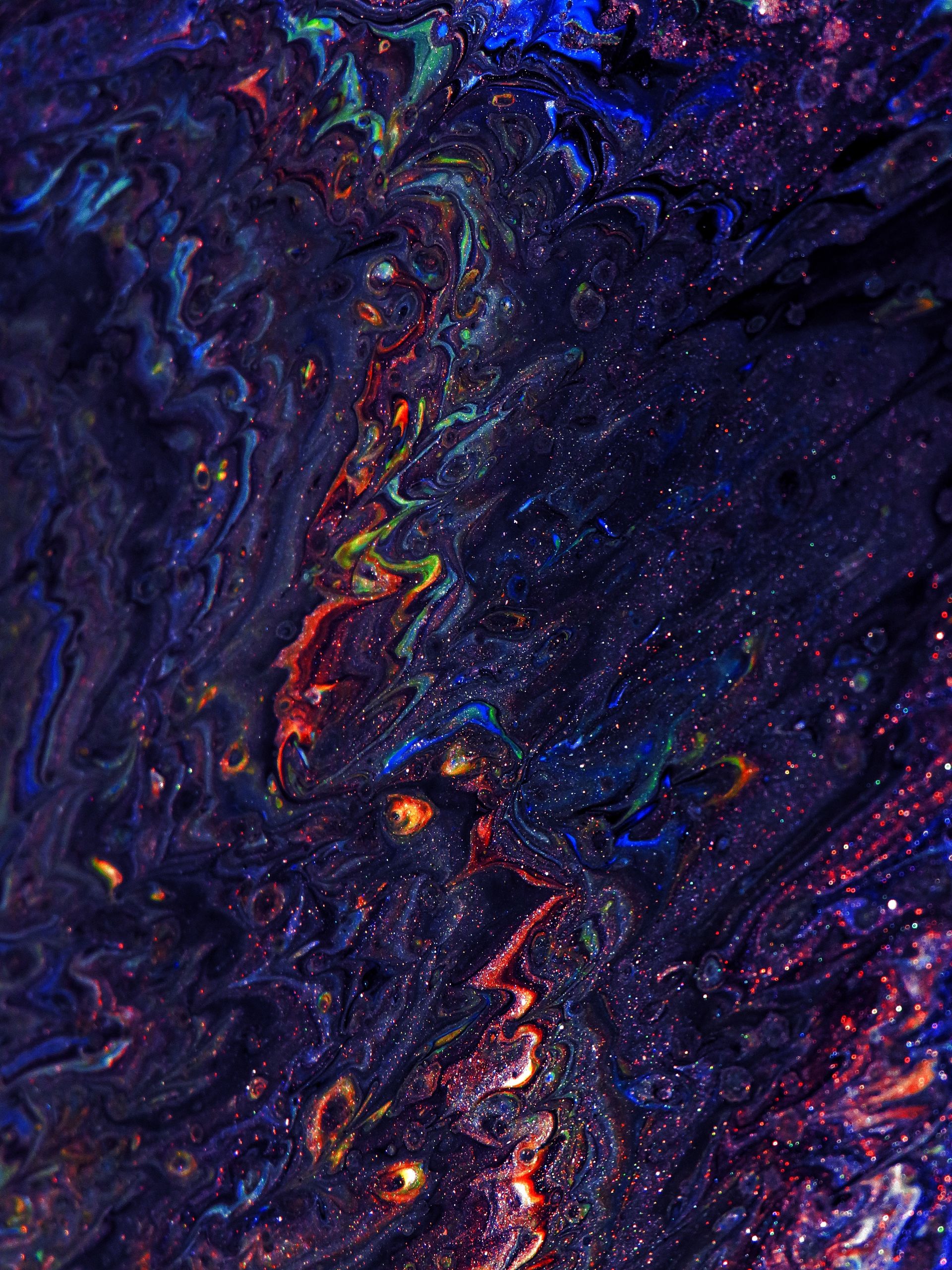



iPhone Live Wallpapers (also called Dynamic Wallpapers or Animated Wallpapers) are special wallpapers that come to life when you press and hold on your lock screen. They combine a still image with a short video clip, creating an immersive and interactive experience.
Live Photo and lock-screen motion behavior depends on the iPhone model and iOS version. Apple may change the available wallpaper controls, so check the current device workflow before relying on a preview.
These previews are not a device-compatibility guarantee. Check the individual item's format and usage notes, then confirm the current Photos and Wallpaper workflow for your iOS version before relying on live motion.
Battery impact depends on the device, display, iOS version, and how often motion previews are used.
Yes! Use our Video to Live Photo Converter to convert any video.
Make sure Reduce Motion is disabled in Settings → Accessibility → Motion, and that Live Photo is enabled when setting the wallpaper.
